









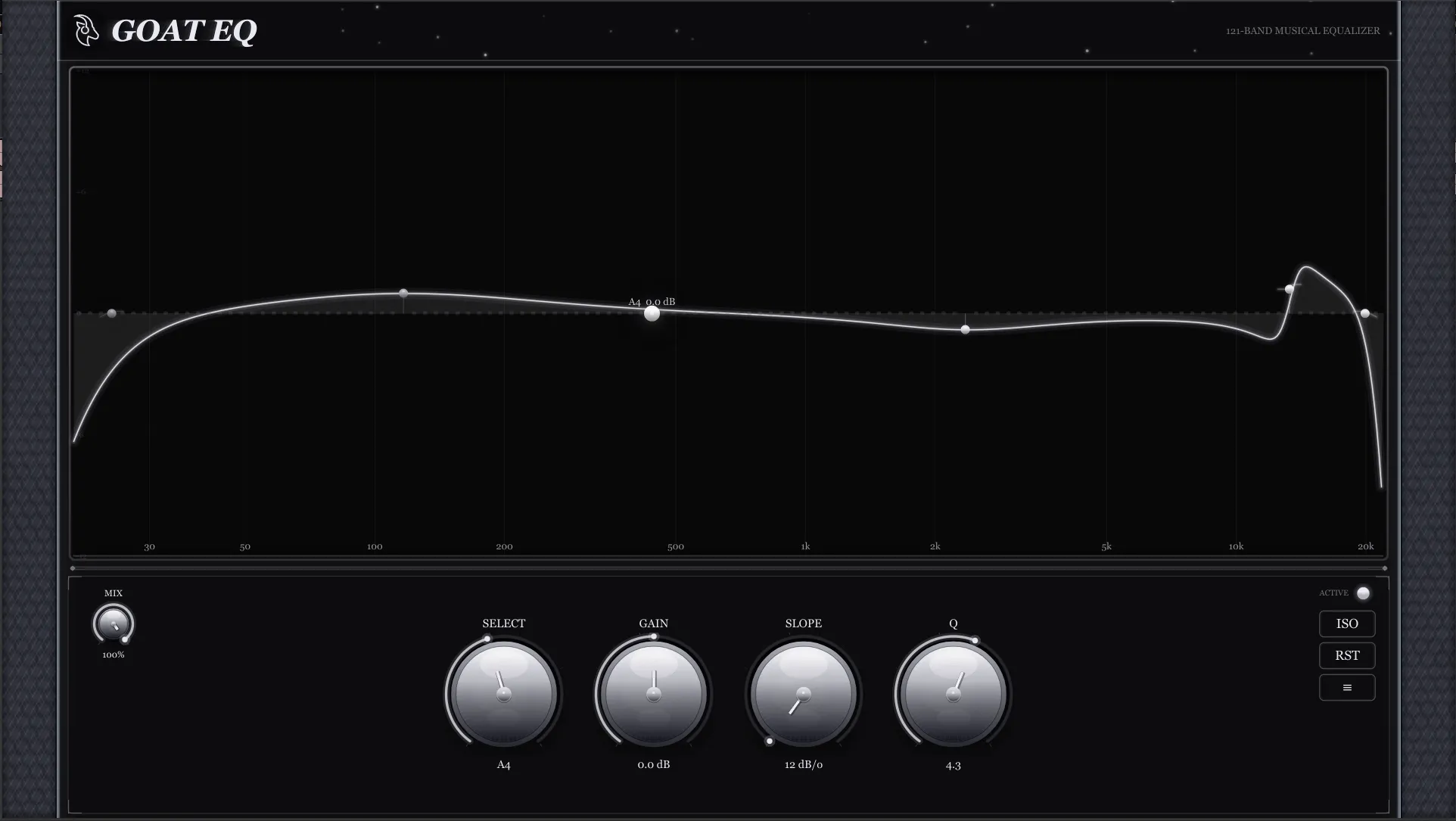
GOAT EQ Master
Forged beyond Earth
Surgically transparent with extraordinary resolution. Designed to make changes so clean that you hear the music change, not the EQ working. The processing is refined to the point where it can improve material that's already been mastered.
Character
Invisible & refined
What it does best
Sub-dB moves that would be invisible on other EQs are audible and musical here. Steep high-pass and low-pass filters clean up the extremes without phase artifacts creeping into the audible range, and bell curves maintain their shape perfectly at any gain setting.
Made for
Mastering chain and stereo bus. The EQ you put on after everything else is done. Engineered for the stage where every half-dB matters and any coloration is unacceptable.
Who it's for
Mastering engineers, mixdown engineers working on the stereo bus, and anyone processing finished audio where transparency is non-negotiable.
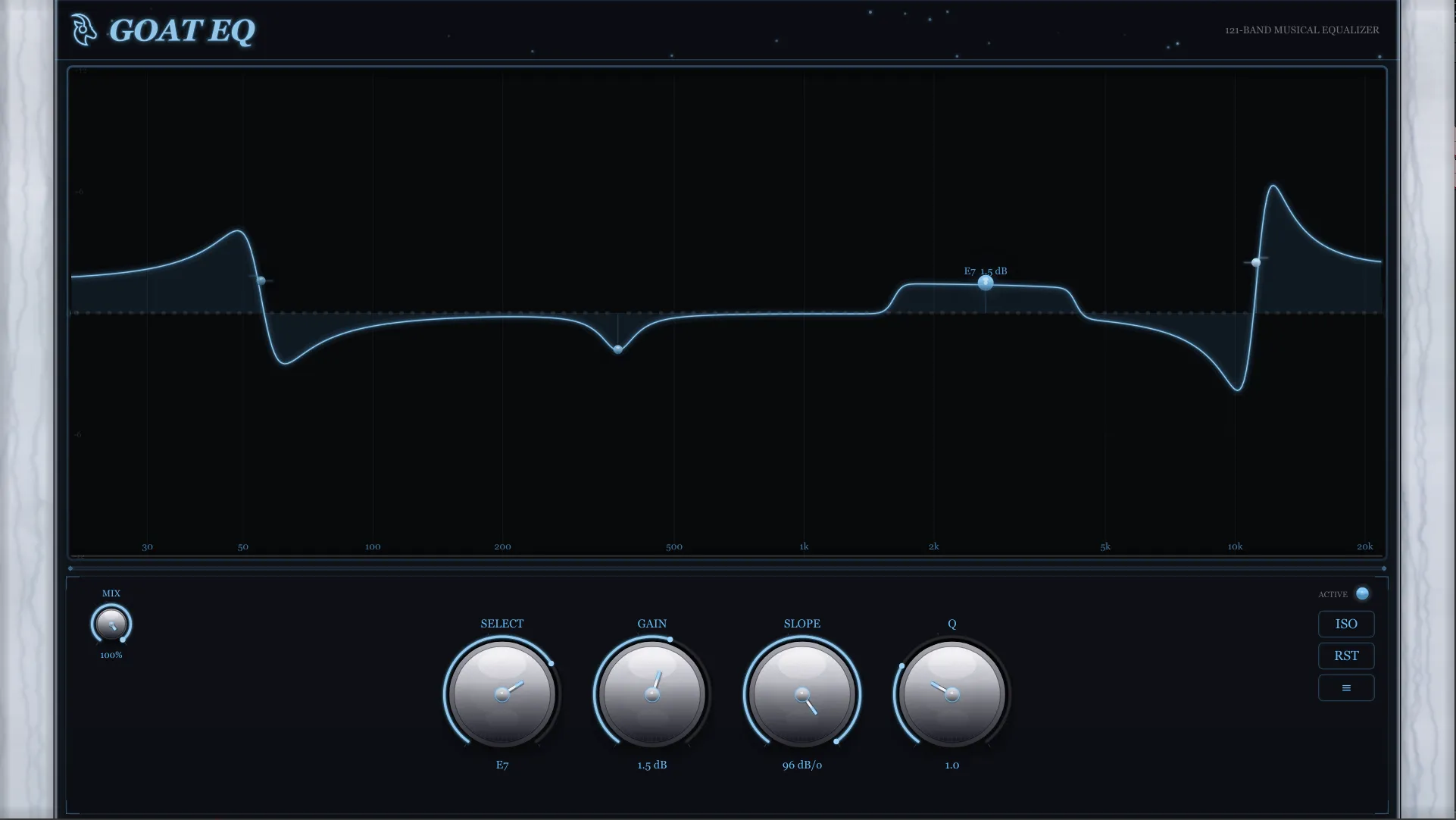
GOAT EQ Sapphire Console
The console EQ that breathes
Rich, warm, and dimensional. Inspired by the character of classic analog console EQ sections — the kind where boosting a few dB makes things sound more expensive rather than just louder at that frequency.
Character
Warm & dimensional
What it does best
Where Digital excels at cutting, Sapphire Console excels at enhancing. Boost the low end and it adds weight, not mud. Push the highs and it opens up with sheen, not harshness. The midrange has a satisfying density that's hard to achieve with transparent EQs.
Made for
Bus processing and mix glue. Load it on your drum bus, vocal bus, or mix bus when you want to add character and cohesion. Also excellent as a channel strip replacement for sources that need coloration.
Who it's for
Mix engineers who want analog console character without the rack. Anyone who misses the sound of boosting EQ on real hardware.
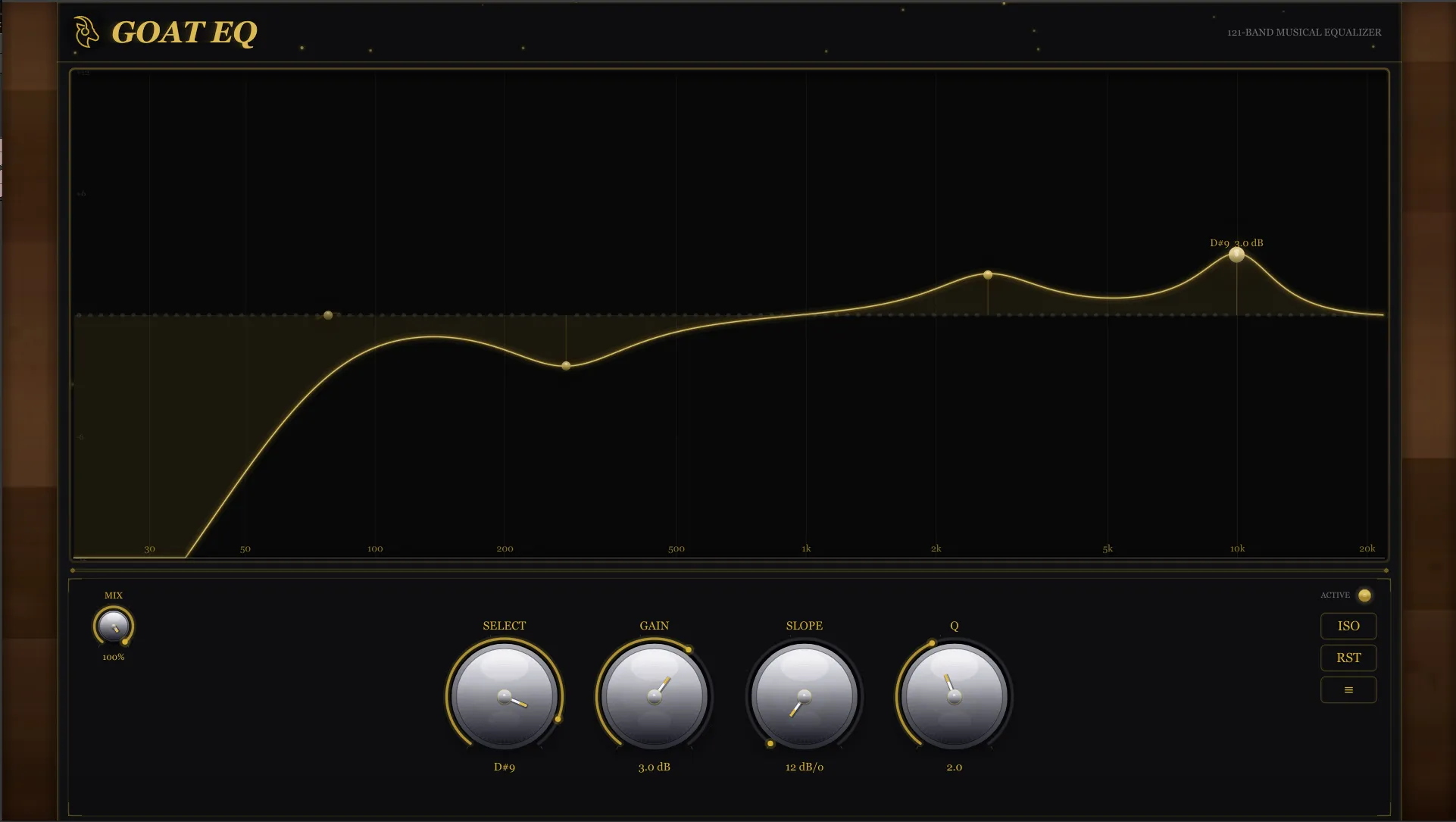
GOAT EQ Digital
Warm precision
Clean, precise, and transparent with a natural musicality. Designed to get out of the way and let you shape the sound without adding anything you didn't ask for.
Character
Clean & accurate
What it does best
When you need to notch out a resonance, tame a harsh frequency, or clean up a recording, Digital gives you exact control. Cuts are clean and tight with smooth rolloffs that don't introduce artifacts.
Made for
The everyday mixing workhorse. Reach for it on individual tracks — vocals, guitars, drums, synths. It's the EQ you load first on every channel and leave running on 30 tracks without thinking about it.
Who it's for
Mix engineers, producers, anyone working at the track level who needs reliable, transparent EQ that does exactly what the curve shows.
Every Edition Includes
121
Precision Bands
8
Filter Types
0ms
Latency
366
Automatable Params
Starter Bundle
All three. $350.
Master
Surgical precision for mastering
Sapphire
Analog presence and air
Digital
Clean corrections on every track
The Science Behind It
Not Another Arbitrary EQ
Most equalizers place their bands at round numbers — 100 Hz, 1 kHz, 10 kHz. Convenient for labeling. Meaningless to music. The frequencies that matter — where instruments generate pitch, where harmonics reinforce or collide, where the ear perceives distinct intervals — don't fall on tidy decimal boundaries.
GOAT EQ's bands are placed at frequencies derived from the mathematical relationships that govern musical pitch. The spacing follows the same physical ratios that define how instruments are tuned, how harmonics relate to fundamentals, and how the human ear perceives intervals between notes. Every band sits on a frequency with real musical significance.
When you reach for a frequency in GOAT EQ, you're reaching for something that exists in the music. Problematic resonances sit directly on a band. Harmonics of a fundamental line up naturally across the spectrum. You spend less time hunting and more time mixing — because the EQ already speaks the same language as the sound.
Filter Arsenal
8 Filter Types. Per Band.
Every one of the 121 bands can be independently set to any filter type. Run a high pass on the lows, bells across the midrange, a notch on a problem note, and a shelf on the highs — all at once.
Bell
Standard parametric peak/dip. The workhorse.
Low Shelf
Boost or cut everything below the target note.
High Shelf
Boost or cut everything above the target note.
Low Pass 12
12 dB/octave low pass. Rolls off the highs.
High Pass 12
12 dB/octave high pass. Rolls off the lows.
Notch
Surgical reject filter. Eliminates a specific note.
Band Pass
Isolates a frequency region. Everything else is attenuated.
All Pass
Phase rotation only. No magnitude change — creative phase shaping.
Deep Dive
Every Detail, By Design
121 Precision-Placed Bands
Every band sits at a point dictated by the logarithmic nature of sound — matching how your ears actually resolve frequency across the audible range. The placement is mathematically precise, not rounded or estimated.
8 Independent Filter Types
Bell, low shelf, high shelf, 12 dB/oct low pass, 12 dB/oct high pass, notch, band pass, and all pass. Each of the 121 bands can be any type — mix a notch on one note with a shelf on the next.
Mix (Dry/Wet) Knob
Blend between your dry signal and the processed output. Dial in parallel EQ processing without extra routing — perfect for subtle tonal shaping or aggressive processing pulled back to taste.
Isolate Mode
Hold ISO to replace the entire EQ with a bandpass centered on your selected note. Hear exactly what that frequency range is contributing to your mix — in real time, at the Q you've set — before committing to any adjustment.
Real-Time Spectrum Analyzer
A high-resolution FFT display runs behind your EQ curve, showing live spectral content with fast attack and smooth decay. See what you're hearing and hear what you're seeing — simultaneously.
Interactive EQ Graph
The response curve isn't just a display — it's your primary control surface. Click to select bands, drag vertically to adjust gain, drag horizontally to transfer settings between adjacent notes, double-click to reset, right-click for the radial filter menu.
Radial Filter Selector
Right-click any band to open a circular menu with all 8 filter types — each showing a miniature response curve. Select the filter you need without leaving the graph. Faster than any dropdown.
Zero Latency
No samples added to your signal chain. Track through it, mix with it, perform live with it. The processing is real-time in the truest sense — no look-ahead, no buffering, no compromise.
Scalable CPU Load
Bands at unity gain are bypassed at the DSP level — they cost exactly zero CPU. Load scales only with the bands you're actively using. Stack multiple instances without concern.
Compatibility
System Requirements
FAQ
Common Questions
How is this different from a parametric EQ?
What does ISO (Isolate) mode actually do?
Does it add latency?
How does CPU usage scale with 121 bands?
What plugin formats and platforms are supported?
Are all 366 parameters automatable?
Is there a free trial?
What is the refund policy?
Ready?
Hear it for yourself.
Every edition includes a 14-day free trial with full functionality. No credit card required.